In-Person Payments
Understand SumUp's in-person payment integrations, supported readers, and how to choose between SDKs, Cloud API, and Payment Switch.
SumUp’s in-person payment products let you accept card payments face-to-face using physical card readers or Tap to Pay on a mobile device. You can integrate them into your own app or system using our Reader SDKs, Cloud API, or, for legacy app handoff flows, Payment Switch.
This section helps you choose the right integration, understand reader compatibility, and get to your first payment quickly.
Need device-specific details? Browse the reader guides.
How It Works
Section titled “How It Works”Every in-person payment follows the same basic pattern:
- Your app or system initiates a payment with the amount, currency, and optional metadata.
- A reader, or the phone itself for Tap to Pay, presents the card interface to the customer.
- The customer taps, inserts, or swipes their card.
- SumUp processes the transaction and returns the result.
How the payment is initiated and where the UI runs depends on the integration path you choose.
Choose Your Integration
Section titled “Choose Your Integration”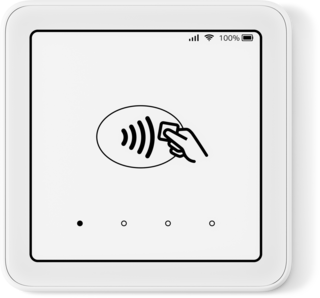
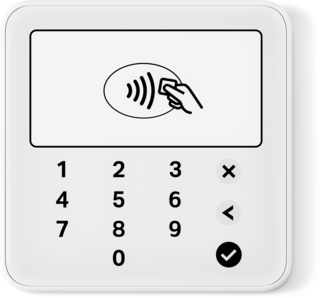
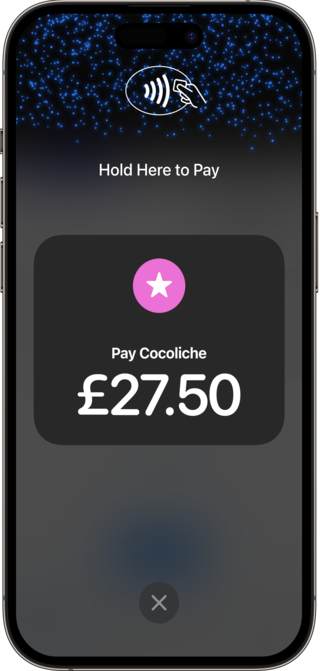
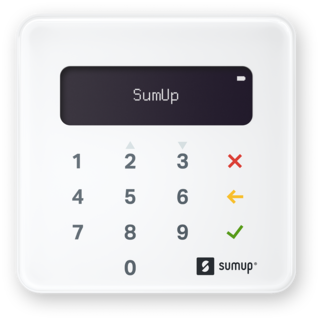
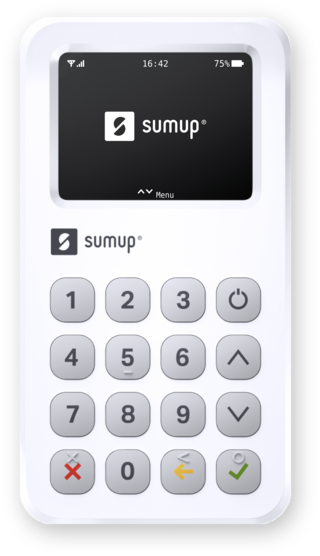
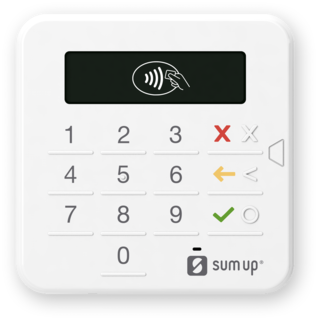
There are three ways to integrate SumUp in-person payments:
| Cloud API | Reader SDKs | Payment Switch | |
|---|---|---|---|
| What it does | Trigger and manage payments on Solo readers via HTTPS requests. | Embed payment acceptance directly in your Android or iOS app. Your app controls the reader over Bluetooth or uses Tap to Pay. | Hand off payment acceptance from your app to the SumUp app, then return to your app when the payment is done. |
| Best for | Kiosk, POS, or web-based systems where the reader operates independently. | Mobile apps that need more control over the payment flow and user experience. | Quick integrations where you do not need to own the payment UI. |
| Platform | Any server-capable platform | Android, iOS | Android, iOS |
| Reader connection | Wi-Fi or cellular | Bluetooth from your app, or Tap to Pay on device | Bluetooth via the SumUp app |
Feature Support by Integration
Section titled “Feature Support by Integration”Different integration paths support different features:
| Feature | Android SDK | iOS SDK | Android Tap-to-Pay SDK | Cloud API |
|---|---|---|---|---|
| Card payments | NFC and chip | Reader payments with NFC and chip, plus Tap to Pay on iPhone | NFC only | NFC and chip |
| Tipping | ✅ | ✅ | ✅ | ✅ |
| Refunds | Via SumUp API | Via SumUp API | Contact SumUp for current support details | ✅ |
| Receipts | Via SumUp API | Via SumUp API | Contact SumUp for current support details | Via SumUp API |
| Offline transactions | ✅ | ✅ | — | — |
| Reader status via API | ✅ | ✅ | ✅ | ✅ |
| Multiple readers on one account | — | — | — | ✅ |
| Webhooks for transaction status | — | — | — | ✅ |
Reader Compatibility
Section titled “Reader Compatibility”Not every reader works with every integration:
| Reader | Android SDK | iOS SDK | Android Tap-to-Pay SDK | Cloud API | Payment Switch |
|---|---|---|---|---|---|
| Solo Lite | ✅ | ✅ | — | — | ✅ |
| Solo | ✅ | ✅ | — | ✅ | ✅ |
| Air | ✅ | ✅ | — | — | ✅ |
| 3G | ✅ | ✅ | — | — | ✅ |
| PIN+ | ✅ | ✅ | — | — | ✅ |
| Tap to Pay | — | ✅ | ✅ | — | — |
Market Availability
Section titled “Market Availability”Reader availability varies by region. Check the SumUp webshop in your country before planning a rollout.
Once a reader processes its first transaction with a merchant account from a specific country, it is locked to that country. For example, if the first payment is processed with a French account, that reader can only be used with French accounts afterward.
Next Steps
Section titled “Next Steps”- Ready to build? Start with the Quickstart.
- Building a native mobile app? Go to the Reader SDKs.
- Building a server-driven or multi-platform POS? Use the Cloud API.
- Only need an app-to-app handoff? Review Payment Switch.